Airtable Gmail Integration For Personalized Email
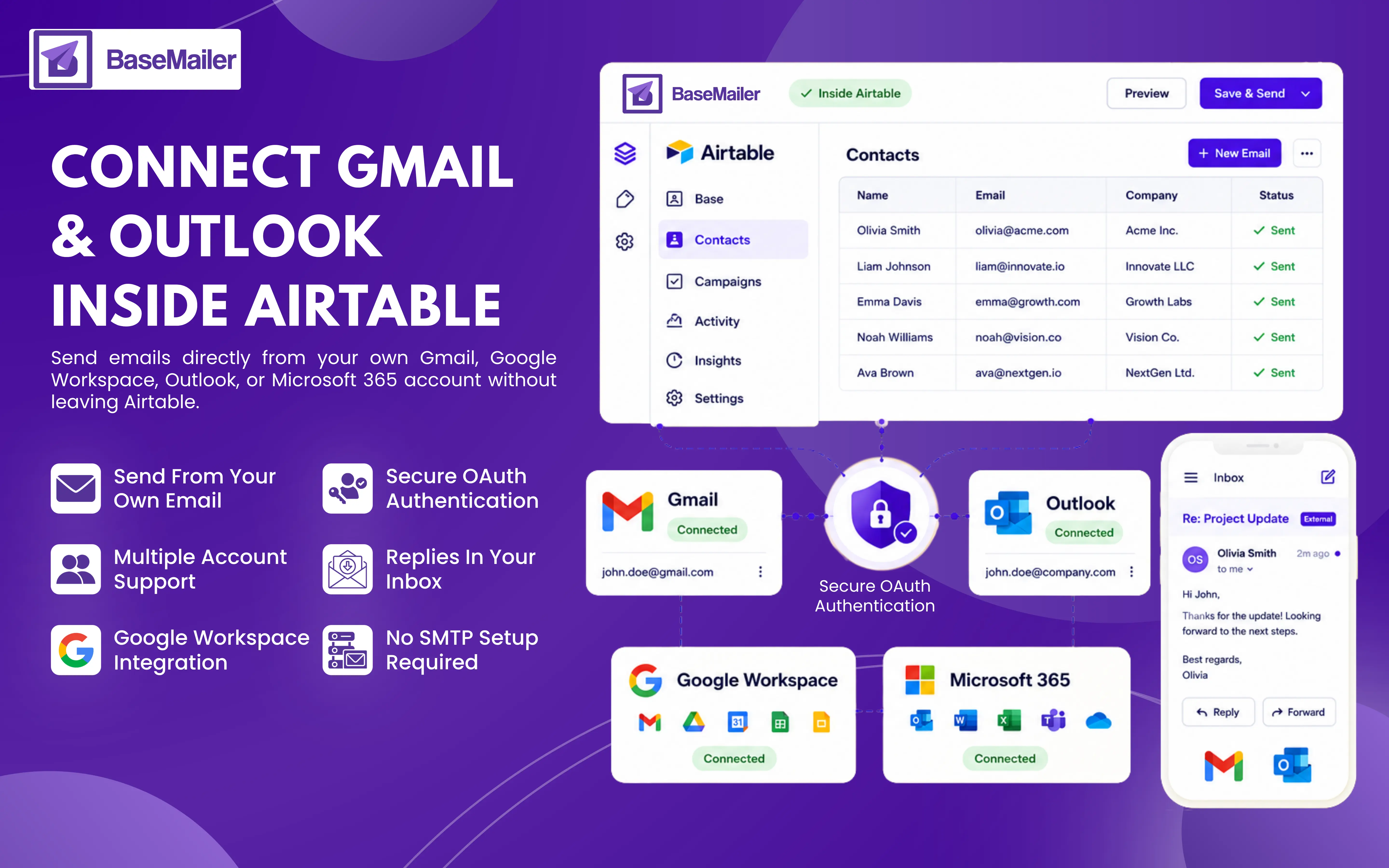
Your contacts are already set up in Airtable, so you won’t need to juggle through different tools just to send emails. With Basemailer, you can seamlessly connect Gmail and Outlook right within the Airtable Gmail integration.
Whether you’re using Gmail, Google Workspace (Airtable G-Suite Integration), Outlook, or Microsoft 365, Basemailer works with every email provider. Send email from Airtable, keep all replies in your inbox, and easily manage everything with Airtable email integration.
Turn Airtable Into Gmail or Outlook Email Hub!
Many relevant email workflows will require you to move contacts, but with Basemailer remove that extra work and connect your Gmail or Outlook account directly with this Airtable Gmail integration.
It downsizes the pressure of exporting lists or managing separate tools, and you can create, personalize, or send emails from Airtable while keeping the contacts, campaigns, and performance data all in a single place.
How To Connect Gmail or Outlook With Basemailer?
Connect your account & send emails from Airtable! The Airtable Gmail or Outlook integration happens swiftly. There is no requirement for SMTP setup, app passwords, or technical configuration. Here is the sequential method:
- 1
Installing Basemailer From The Airtable Marketplace
Add Basemailer to your Airtable base from the Airtable marketplace. Also, it works with both new and existing Airtable bases.
- 2
Connect Your Email Account
Open the Basemailer settings and choose Gmail or Outlook as your email provider. Complete the secure OAuth authorization process to connect your account. Your login credentials are never shared with BaseMailer.
- 3
Select Your Sending Account
Choose the email account you want to send from. If your team uses multiple email addresses, you can connect and manage multiple accounts within the same Airtable base.
- 4
Create, Personalize, and Send
Build your email using BaseMailer's drag and drop editor, personalize it with Airtable fields, select your recipients, and send. Emails are delivered directly from your connected Gmail or Outlook account.
Airtable Gmail Integration - Everything You Need to Know!
Secure OAuth Authentication
The integration uses Google's official OAuth authentication process. You authorize access through Google, and your Gmail password is never stored or accessed by BaseMailer.
Send Emails from Your Gmail Address
Emails are sent from your own Gmail address, helping recipients instantly recognize the sender.
Support for Multiple Gmail Accounts
Need to send from different email addresses? Connect multiple Gmail accounts and select the appropriate sender for each campaign with Airtable Gmail Integration.
Airtable Outlook Integration - Everything You Need To Know!
Works with Outlook and Microsoft 365
BaseMailer supports both Outlook.com and Microsoft 365 business accounts. The integration fits seamlessly into existing Microsoft workflows.
Secure Microsoft Authentication
Connect Airtable Outlook integration using Microsoft's official OAuth authorization process. Your Microsoft credentials remain secure and are never stored by BaseMailer.
Send Emails from Your Outlook Address
Emails are delivered from your actual Outlook address, ensuring a consistent sender identity and direct reply management.
Sending from Your Own Account Matters!
Many email platforms send messages through shared infrastructure or third-party sending domains:
Better Deliverability
Emails sent through your Gmail or Microsoft 365 account benefit from trusted email infrastructure and established sender reputation, helping improve inbox placement.
Replies In Your Inbox
When recipients reply, responses are delivered directly to your Gmail or Outlook inbox. There is no need to monitor a separate platform.
Consistent Sender Identity
Recipients see your actual email address rather than a third-party sending address, helping build trust and recognition.
Fits Into Your Existing Workflow
You can continue using Gmail or Outlook as usual. BaseMailer simply adds email sending capabilities directly within Airtable.
Common Use Cases for Airtable Email Integration!
Sales Teams Managing Outreach
Sales teams can send personalized outreach emails directly from Airtable records while maintaining communication from a real team member's email identity.
Agencies With Multiple Clients
Agencies can connect multiple Gmail and Outlook accounts, allowing each client or team member to send emails from their own address while working from a shared Airtable workspace.
Small Businesses For a Simpler Workflow
Small businesses already using Airtable and Gmail or Outlook can manage contacts and email campaigns in one place without relying on multiple tools.
Teams That Collaborate in Airtable
Keep email activity connected to the Airtable Gmail extension. Send follow-ups, track engagement, and manage communications directly alongside the data your team works with every day.
BaseMailer vs. Other Email Solutions
| Feature | BaseMailer | Automations / CSV Export |
|---|---|---|
| Sends from your Gmail / Outlook | Yes | No |
| Visual drag & drop email builder | Yes | No |
| Dynamic personalization from fields | Yes | Limited |
| No CSV export required | Yes | Requires export |
| Multiple account support | Yes | No |
| Real-time open & click tracking | Yes | No |
Frequently Asked Questions
Is it possible to connect both Gmail & Outlook?
Does BaseMailer work with Google Workspace?
Is there a limit on how many I can send through Gmail or Outlook?
Will the email appear to come from my own email address?
Can I connect multiple email accounts?
Connect your inbox and start sending from Airtable
Link your Gmail, Google Workspace, Outlook, or Microsoft 365 account in a few clicks — no SMTP setup, no app passwords. Send from your own address, with replies landing right in your inbox.